


What iOS Teams Need to do about the New App Store Header and iPhone Duo
 Jojo Varghese
Technical Lead - Web & Mobile Technologies

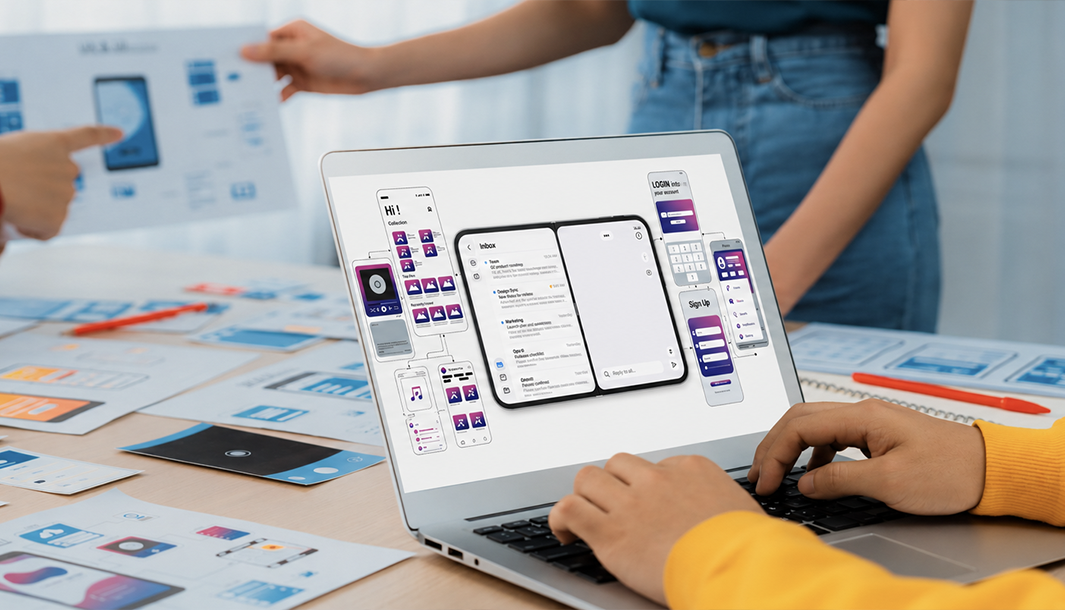
Apple changed the App Store product page. iOS teams have until April. Two updates, one deadline, and a short checklist for what to do this month.
On October 5, Apple quietly pushed two updates to App Store Connect. One is about marketing. The other is a deadline.
If you work on an iOS app, you should know about both.
1. The Marketing Part: Headers and Search Assets
Your product page can now have a header at the top, made of an image or a video. It’s separate from your screenshots and app previews.
Apple also added a custom asset for how your app shows up in App Store search. By default, search shows your screenshots and previews. Now you can control that.
All of this lives in a new Asset Library in App Store Connect. It holds everything in one place:
• Screenshots
• App previews
• In-app event media
• The new header and search assets
Custom product pages and product page optimization can use these too, so the header becomes one more thing you can A/B test.
One practical detail: once your app has an approved version, you can publish a header or search asset to the live page without shipping a new build. Screenshots and previews still go out with a version.
No code changes here. It’s a job for design and marketing, but someone has to tell them it exists.
2. The Engineering Part: iPhone Duo
The iPhone Duo is Apple’s foldable. It goes on sale October 23, and Apple is already accepting apps optimized for it.
For most apps, supporting it means rebuilding with the latest Xcode (27.1). That doesn’t mean it will look right. Foldables change the screen size while your app is running, and any layout that quietly assumes a fixed size class can break.
The first places I’d look:
• WebViews
• Custom navigation
• Anything hardcoded to screen dimensions
3. The Deadline
From April 2027, every app or game submitted to the App Store must include iPhone Duo screenshots. Apple hasn’t given an exact day in April.
A few things Apple hasn’t said yet:
• Whether existing iPhone screenshots will be accepted for the Duo
• Whether updates to live apps need the new set
• How App Review will handle submissions without it
Until Apple clarifies, I’d plan as if the strictest version is true.
What I’d do this month:
-
Build with Xcode 27.1 and test on the Duo simulator.
-
Fix layout issues now, not in March.
-
Ask your design team to start on Duo screenshots, using Apple’s templates.
-
Decide with marketing whether a header and search asset are worth the effort.
-
Use the new preview tool in App Store Connect to see how your page looks on the Duo.
Final Thought
April feels far away, but design and QA work always takes longer than planned. A rejected submission costs more than a few early screenshots.
Sources:
• Apple: Prepare and submit your apps for iPhone Duo
• Adapty: App Store Asset Library is live
• PPC Land: Apple forces developers to add iPhone Duo screenshots from April 2027
Author: Jojo Varghese, Technical Lead - Web & Mobile Technologies
This blog was first published in Medium.com